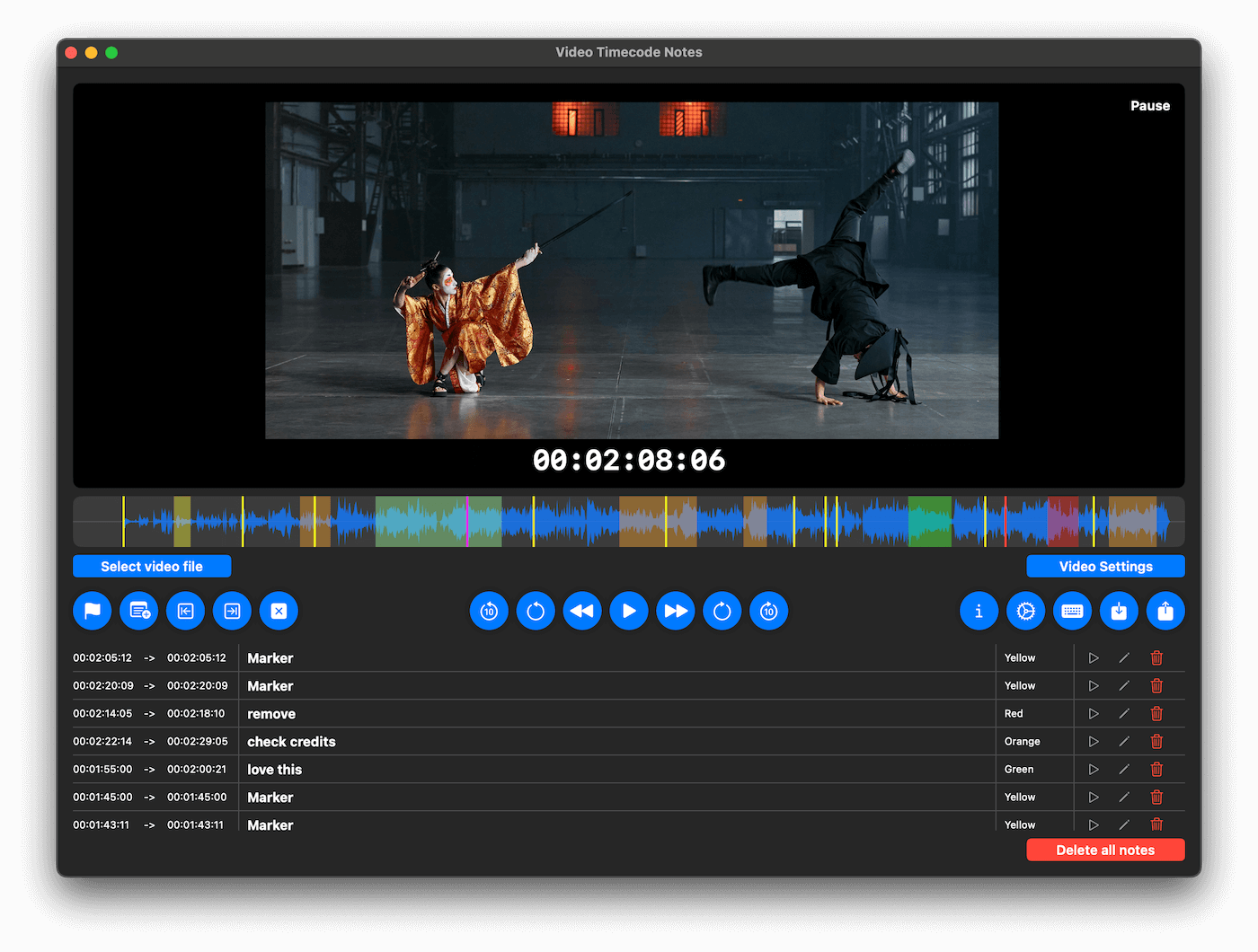
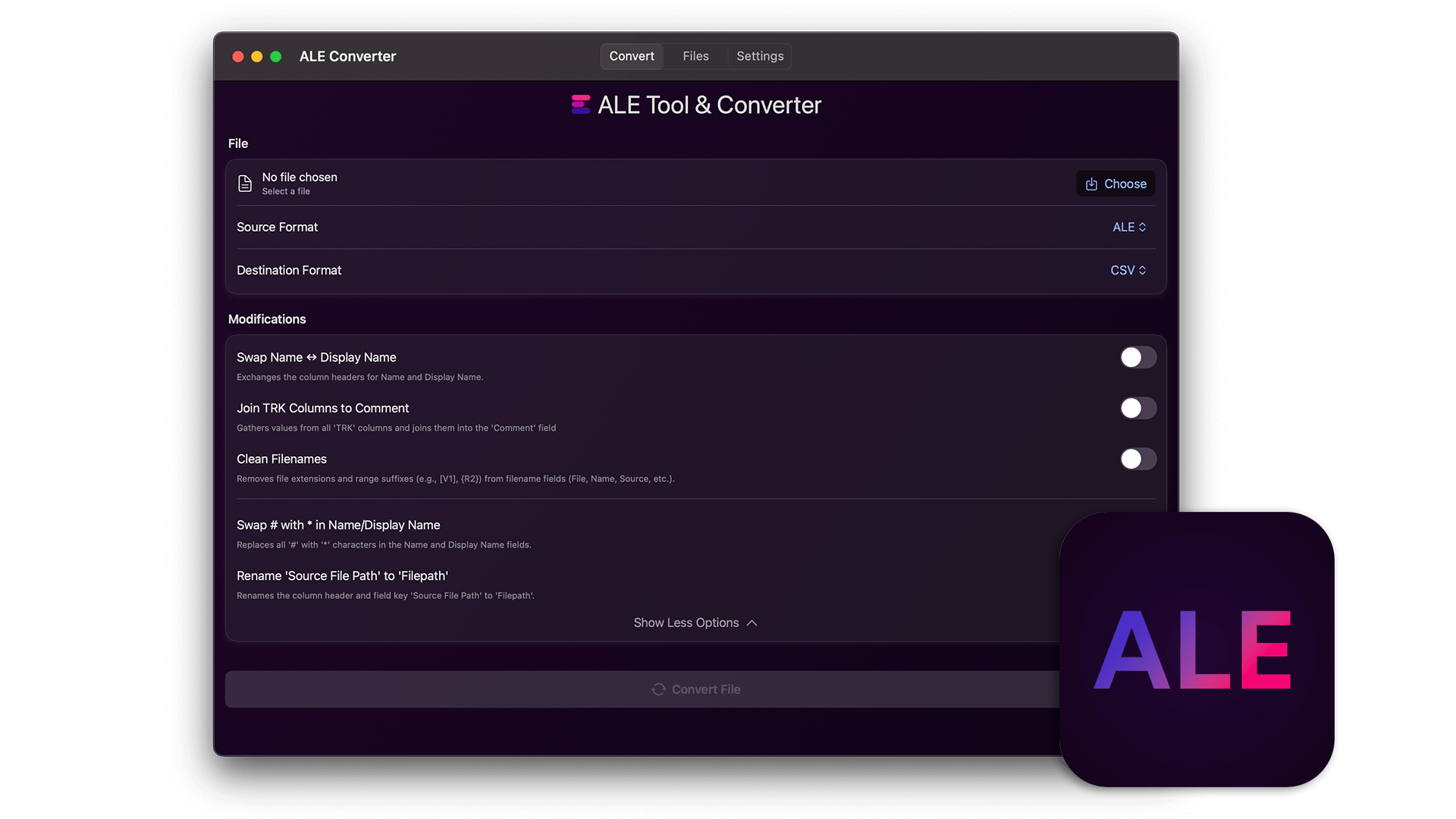
MediaDB is een onmisbare tool voor kleine postproductiebedrijven en freelancers die met grote hoeveelheden harde schijven en discs werken. De app helpt je een database aan te leggen van alle harde schijven en bestanden die in gebruik zijn. Je kunt bestanden zoeken en door mappenstructuren bladeren terwijl de schijven offline zijn. MediaDB kan ook worden gebruikt om tijdens het conformproces van een film op basis van een EDL een RCP-bestand voor DaVinci Resolve te maken.
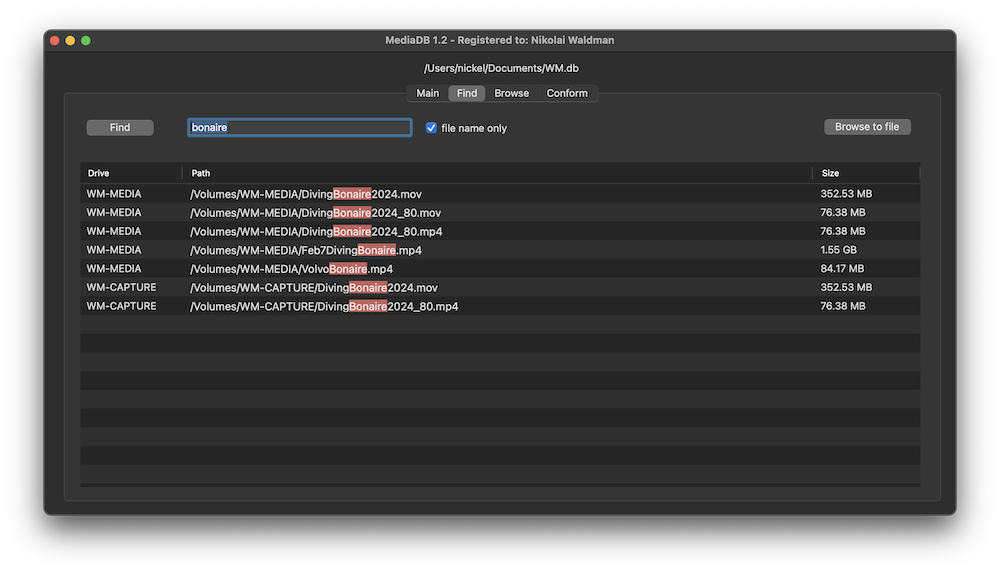
The perfect tool to manage a huge archive of drives in small post-production studios or for freelancers.
The demo version allows to scan the first 50 files on each drive.
Requires macOS 11.5 or later
Scans the hard drives and add them it to the database. Make sure every drive has a unique name. If you add or remove files from the drive you can scan it again and the database will be updated.
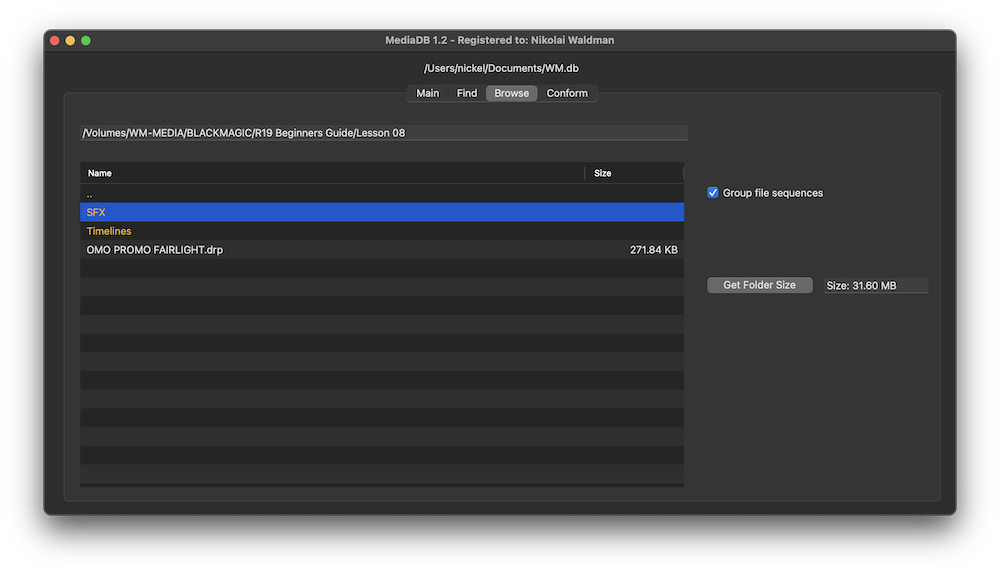
Use MediaDB to find a file when you need it without connecting any drives to your computer.
When selected, each file sequence will be presented in the format filename[start-end].extension
Select a folder and press the “Get Folder Size” button to calculate the size of all folders and files recursively.
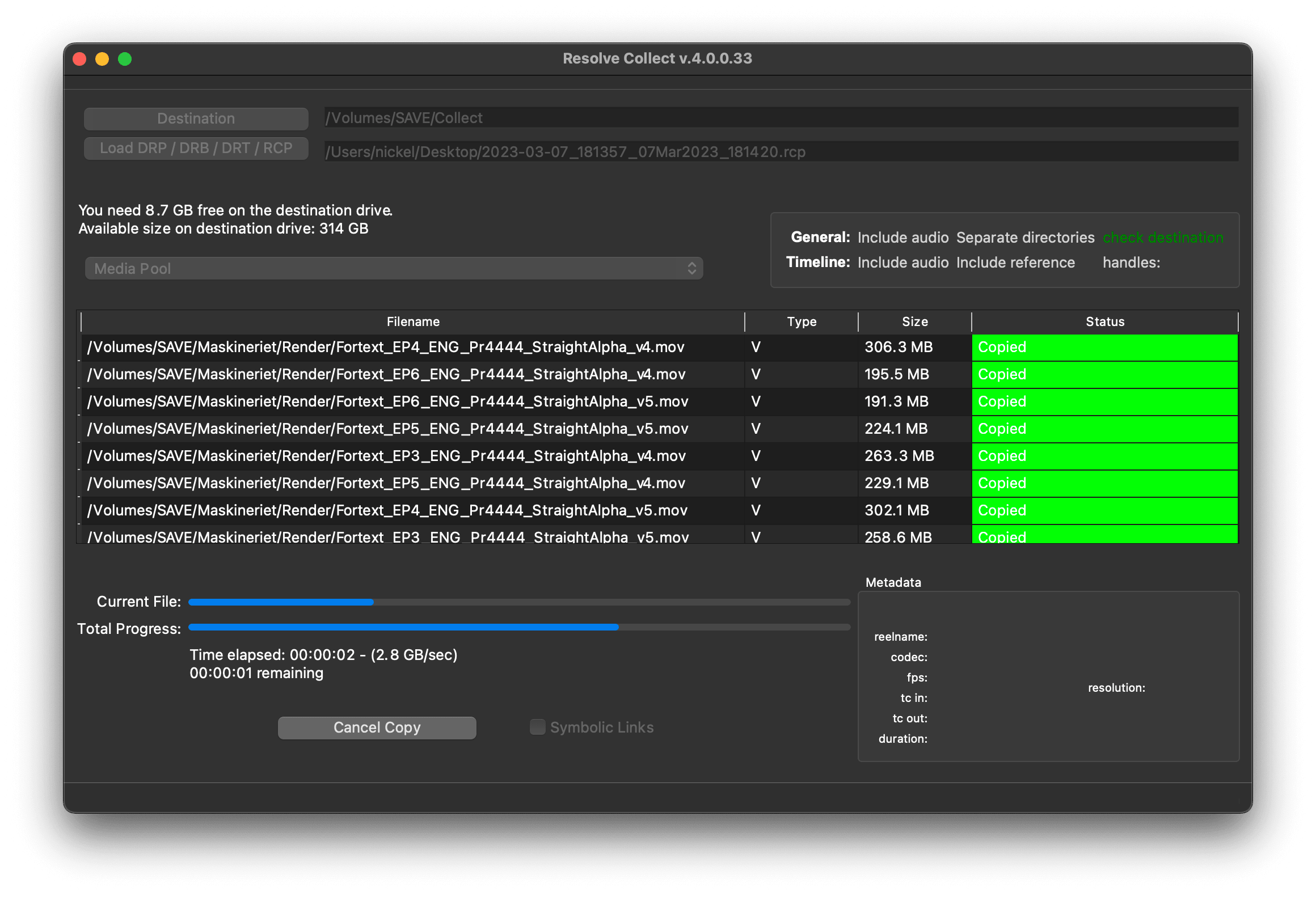
Import an EDL from any NLE with full reel names (e.g. File_129), and MediaDB will find the files and tell on which drives they are on. It will also create an RCP file, which you can then use with Resolve Collect to copy all the files.
Film Editors working on multiple projects often need to use multiple discs to store source footage and other assets. Rather than connecting hard drives to the computer and trying to find the correct file, MediaDB can easily locate the file. A quick search in the app is enough to find the necessary file and locate the correct disc. This is especially useful if the archive includes SD cards, USB sticks, and other virtual drives.
We offer three types of licenses. The single-user license is ideal for freelancers who want to use the software on one or two computers. This license is tied to a single account. For companies, we offer a team license, which is bound to the company. The number of licenses can be chosen upon purchase, with a minimum of three licenses. We also offer an enterprise option. Please contact our sales team for more information. All licenses are perpetual.
Let op: De plugin zelf is momenteel alleen beschikbaar in het Engels.
Je wordt doorgestuurd naar de beveiligde "Paddle"-checkout. Paddle.com is de Merchant of Record.
Omgekeerde lading: Koop je voor een bedrijf en heb je een btw-nummer, dan kun je in sommige landen mogelijk gebruikmaken van de verleggingsregeling. Klik op de afrekenpagina links op "Add VAT ID" nadat je je land en postcode hebt gekozen.
Resolve Collect and MediaDB
Als je vragen of verzoeken hebt, neem dan contact op met ons ondersteuningsteam. We helpen je graag!
Pak na het downloaden het zipbestand uit en start het .pkg-bestand. Volg dan gewoon de installatiewizard.
From the app menu, select File > Register. Enter your license key in the "Key" field.
To remove a license from a device, choose File > Register from the app menu. Click on "Remove License".
You can save the database file to a server and connect to it there. However, be aware that the connection speed will be much slower. For the best speed, it’s better to have one master database file that you distribute to all the machines that need to access it.
Ja, als er updates beschikbaar zijn, kun je die gratis downloaden.
Nee, deze applicatie werkt offline en deelt geen projectgegevens online.
Deze app wordt alleen ondersteund op macOS.
Je kunt het .app-bestand gewoon van je computer verwijderen.
Als je een functie voor de app, een nieuwe optie of een aangepaste versie nodig hebt, stuur ons dan een bericht. Wij bieden oplossingen op maat voor jouw bedrijf.
Nikolai Waldman leads development for this app, which is published and distributed via EditingTools.io.